Create Hypnotic 9:16 Spotify Canvas Loops From Your Track
Turn your album artwork or a single prompt into a 3- to 8-second vertical 9:16 video loop tailored for Spotify’s Now Playing screen — complete with first- and last-frame loop control.
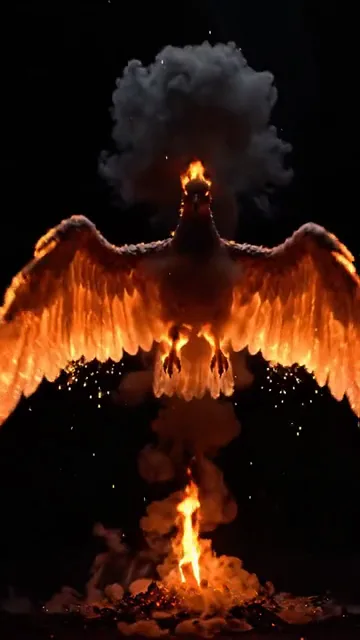
10-Second Audio-Reactive Style Explorer
Experience real community generations. Tap a style to hear the beat sync and watch the visuals transform in real-time.
"Nostalgic 2D anime scene of a young woman walking through an autumn university campus as golden and orange leaves fall gently in the warm sunlight"
Vibrant hand-drawn 2D Japanese anime animation, golden age cel-shaded aesthetic, warm sunlight, dynamic wind motion
Includes 200 free daily generation credits upon signup. No credit card required.
Everything You Need to Turn Audio Into Cinema
Powered by LTX-2.5, Google Veo 3.1, Kling Omni, and our Gemini 3.8 AI Video Director.
Native 9:16 Vertical Framing
Formatted specifically for mobile Now Playing screens with centered safe-zone composition that never clashes with Spotify player controls.
First & Last Frame Loop Conditioning
Upload your album cover as both the starting and ending frame with Kling Omni or LTX-2.5 to create seamless rebound and continuous loops.
Spotify Canvas Magic Enhance
Our AI prompt enhancer automatically optimizes your idea for smooth, hypnotic, text-free looping motion compliant with Spotify guidelines.
Dual-Purpose for TikTok & Reels
Every Canvas clip also includes your synced song audio so you can post the exact same 9:16 MP4 directly to TikTok, Reels, and Shorts.
Purpose-Built for Spotify Canvas Specs
No cropping, no awkward aspect ratios, and no generic stock loops. Built specifically for Spotify’s 9:16 vertical Canvas format.
| Capability | Plazmapunk | Generic AI Video Tools | Hiring a Motion Designer |
|---|---|---|---|
| 9:16 Spotify Canvas Safe-Zone Presets | Dedicated Spotify Canvas Mode | Manual aspect ratio & prompt guesswork | Custom brief required |
| Album Art First + Last Frame Loop | Built-in 1-Click Start/End Frame Copy | Rarely supported | Days of turnaround |
| Turnaround Time | Under 2 Minutes | 5 – 15 Minutes | 3 – 7 Days |
| Cost per Canvas | Pennies (Free Starter Credits Included) | $15+ / month subscription | $100 – $300 per loop |
How It Works in 3 Simple Steps
1. Select Your Song & 8s Hook
Upload your track and select Spotify Canvas mode. We automatically pre-select an 8-second window in 9:16 vertical format.
2. Upload Album Art or Write a Prompt
Optionally drop in your cover art as the start/end frame, or describe the visual mood you want.
3. Download & Upload to Spotify for Artists
Download your 9:16 MP4 in seconds and drop it straight into Spotify for Artists.
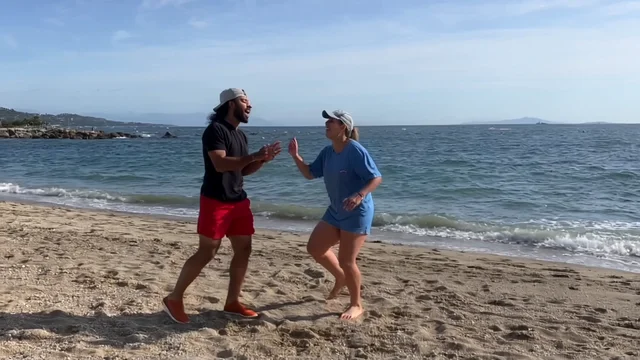
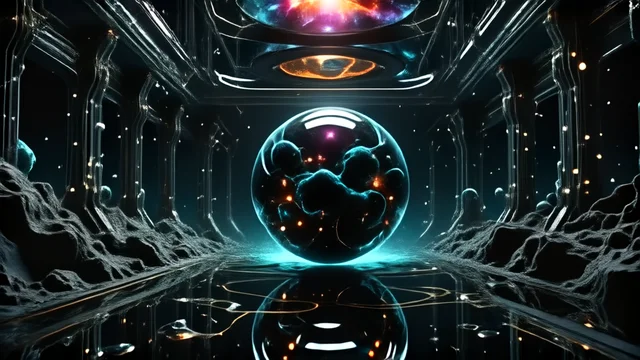
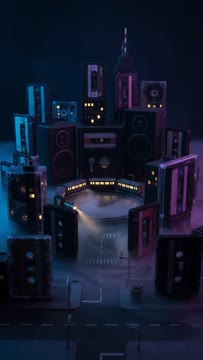
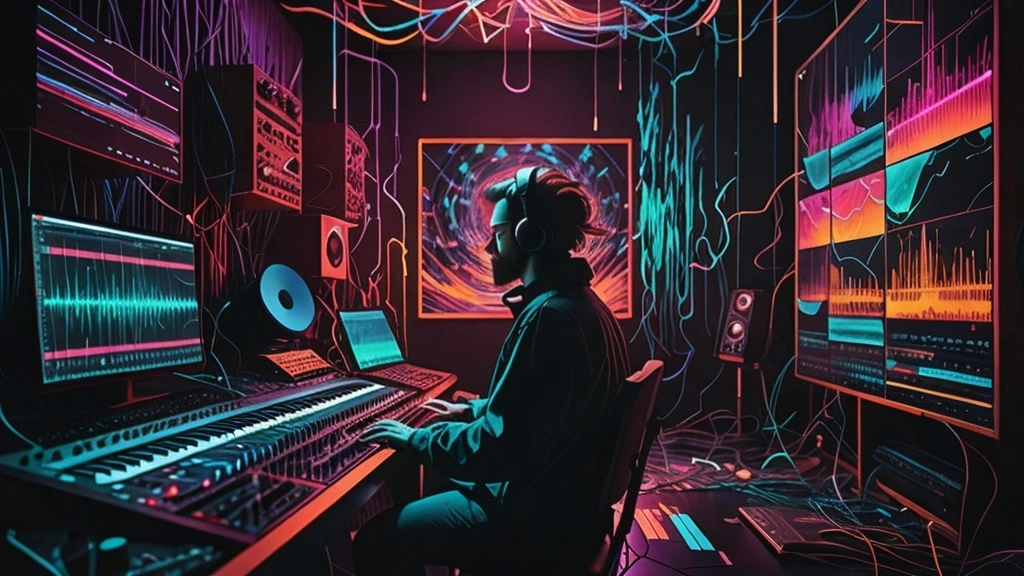
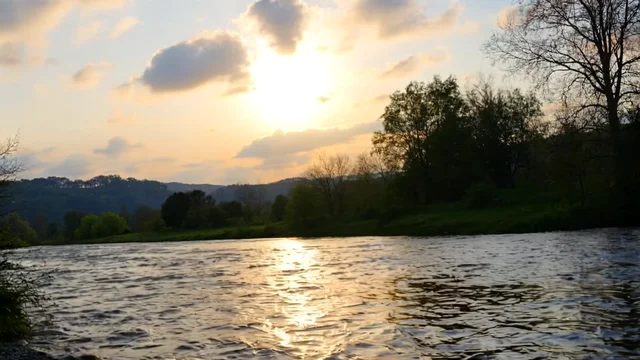
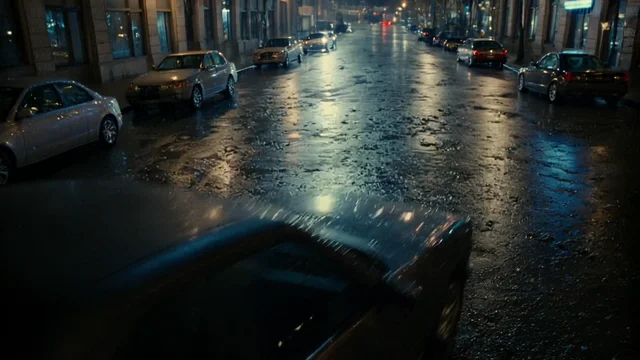
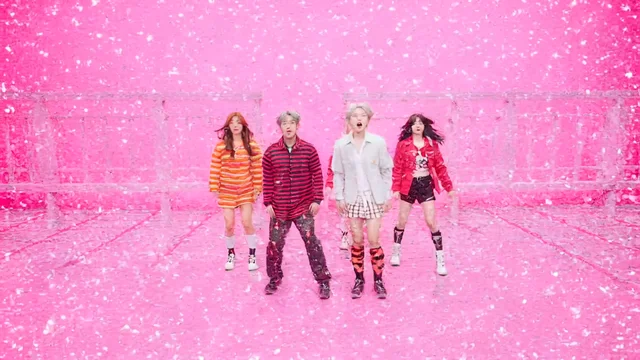
Community Showcase
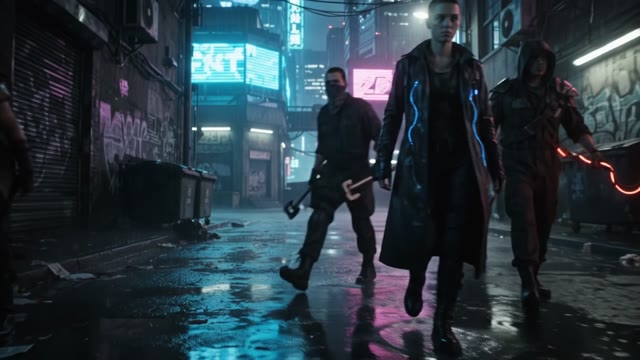
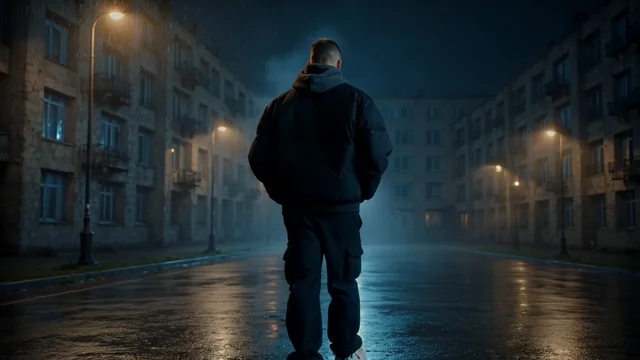
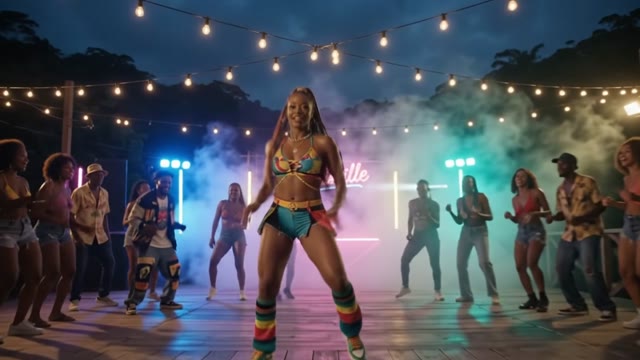
Explore the best music videos created by our community.
Trending









Frequently Asked Questions
What are the exact Spotify Canvas specifications Plazmapunk exports?
Spotify Canvas requires a 9:16 vertical MP4 between 3 and 8 seconds long without burned-in promotional text or URLs. Plazmapunk’s dedicated Spotify Canvas mode locks the aspect ratio to 9:16 and configures 4s–8s loop-friendly durations automatically.
Can I animate my existing album cover into a Spotify Canvas?
Yes. In Spotify Canvas mode, upload your album artwork as the Starting Image (and optionally copy it to the Last Frame Image) so the AI animates your cover art into a living vertical loop.
Can I use the same clip for Instagram Reels and TikTok?
Yes. Plazmapunk exports your 9:16 video with your selected audio section mixed in, so you can post it directly to Reels, TikTok, and YouTube Shorts while Spotify automatically mutes the video track’s audio when used as a Canvas.
Ready to Turn Your Song Into a Video?
Start with free credits immediately on sign-in. Upgrade anytime from just €9.99/month.